
Heavy Music Drum Library for the Songwriter
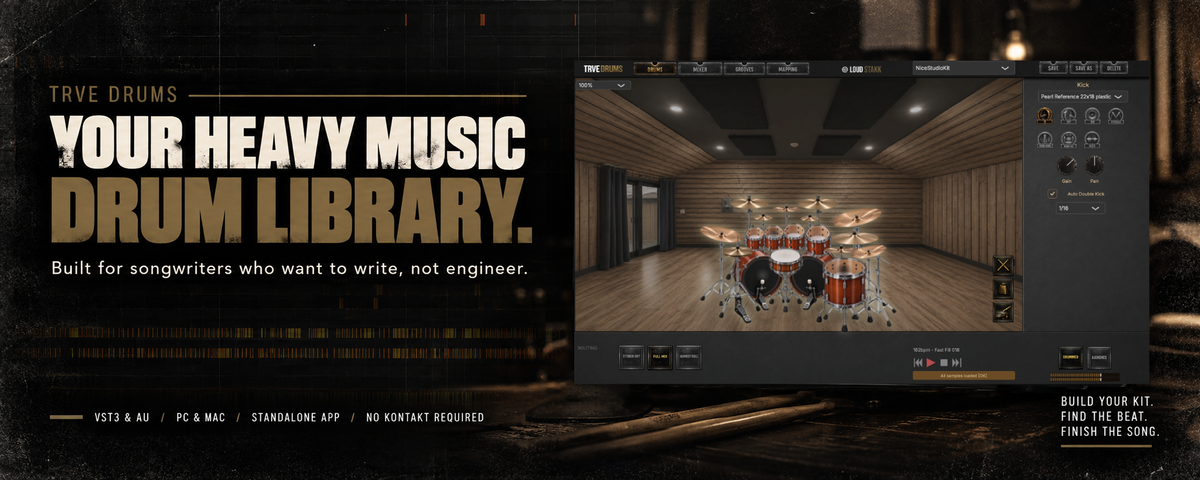
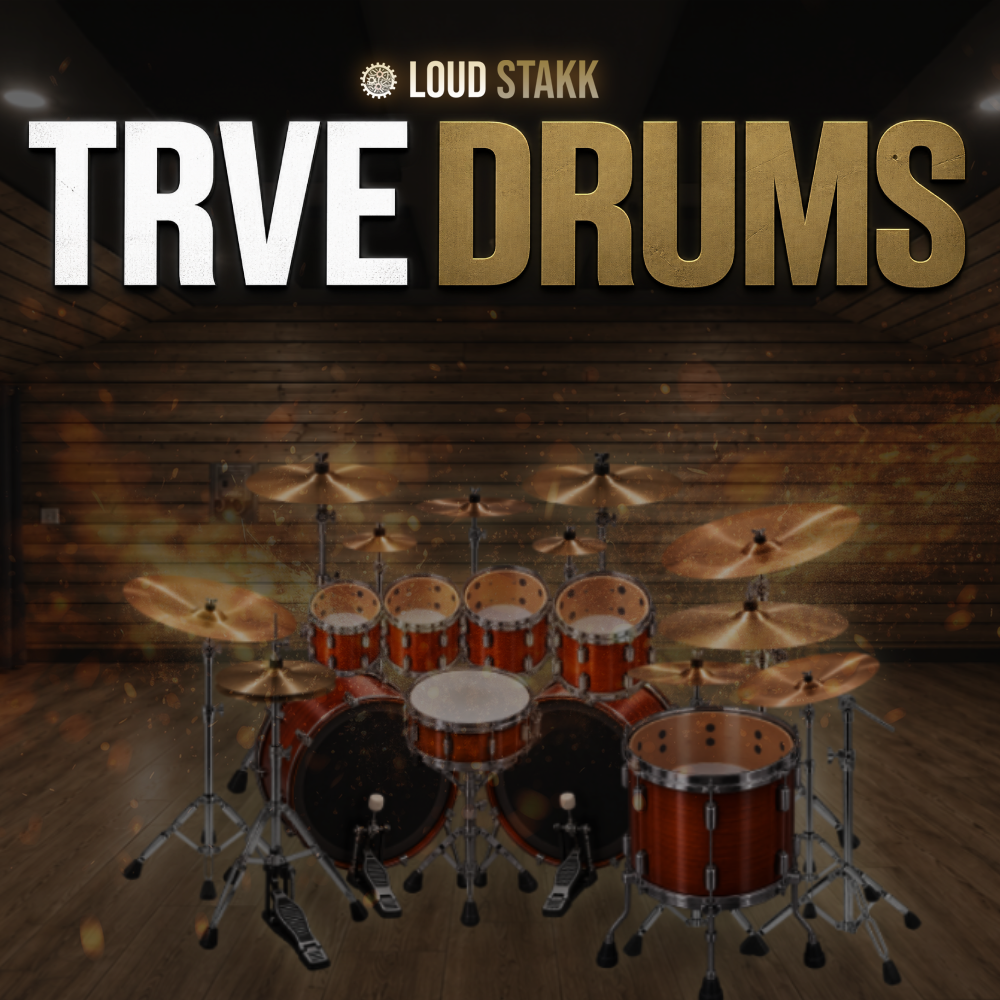
TRVE Drums delivers a focused collection of real drum kits recorded for Rock/Metal/Punk songwriting — capturing the sound of a drummer playing a kit in a room without endless tweaking, overproduced samples, or unnecessary complexity.
Includes 7 kick drums, 23 snares, 15 toms, 47 cymbals, a built-in Groove Browser, zero bs Mixer for mixing and routing, Mapping options & mix-ready presets designed to get ideas moving fast while leaving room for your own production choices.
From raw Black Metal demos to polished Modern Metal productions, every kit is balanced to feel responsive and sit naturally in a mix — no menu diving, no wasted time.
This is a Drum Library built for songwriters who want to write, not engineer.
No tweaking. Just load and play.
VST3 & AU compatible. Standalone App. PC & Mac.
Download size: 18.65Gb
*Includes the TRVE Drums plugin, Core Library samples, Loudstakk Free Pack MIDI Grooves, and presets.
INTRO OFFER ENDS IN:
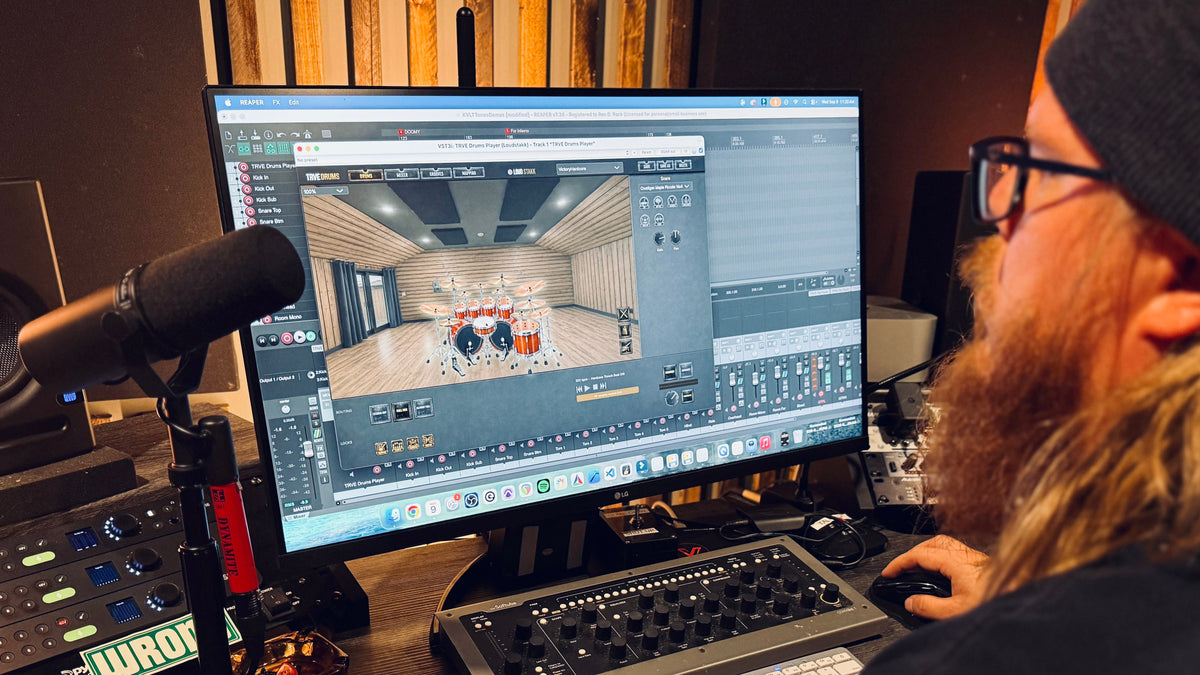
Your Heavy Music Drum Library

Drum Solo – Prog
Drum Solo – Extreme
Drum Solo – Punk
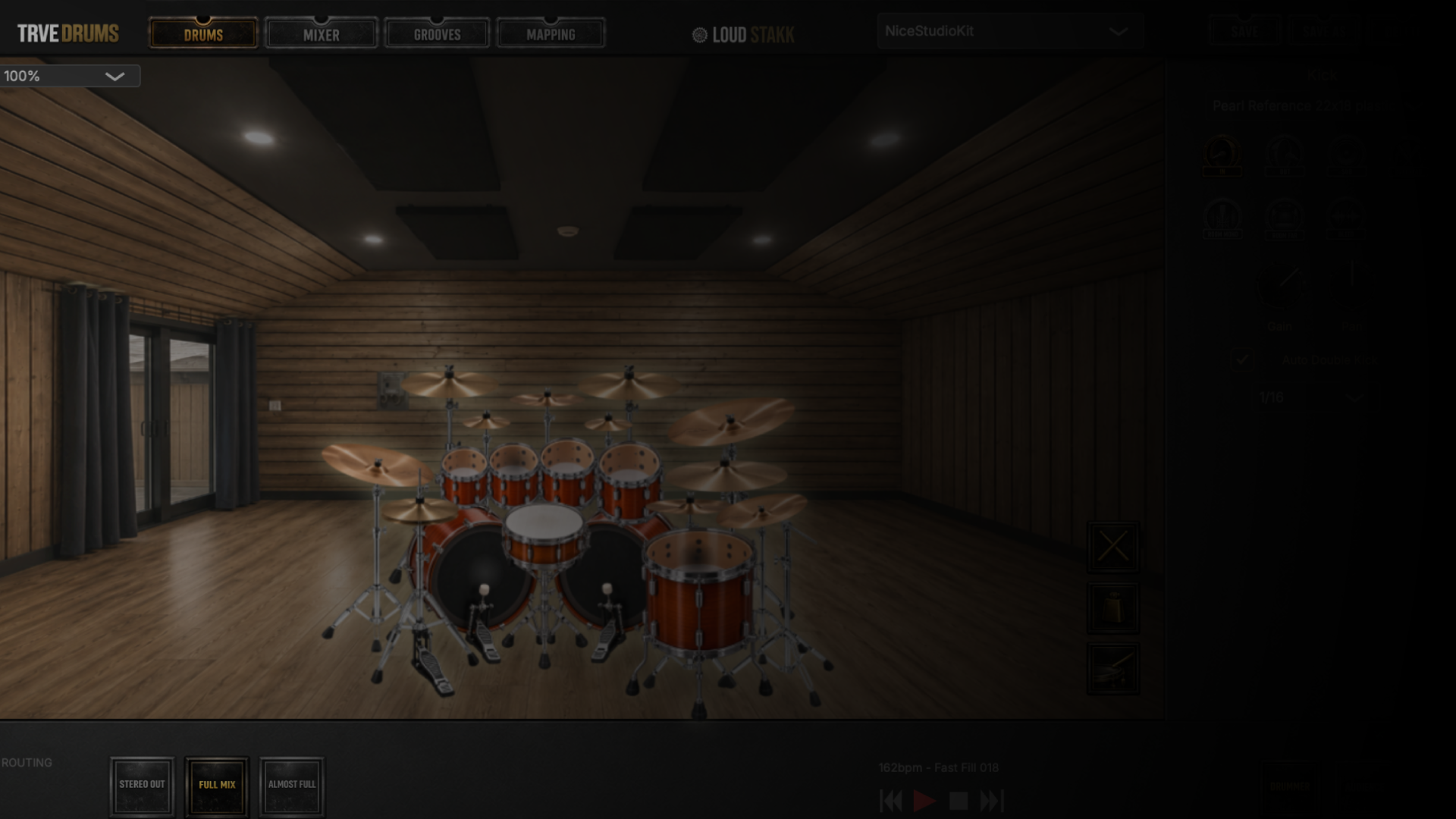
Build Your Kit. Your Way.
Pick Your Drums. Make It Yours.
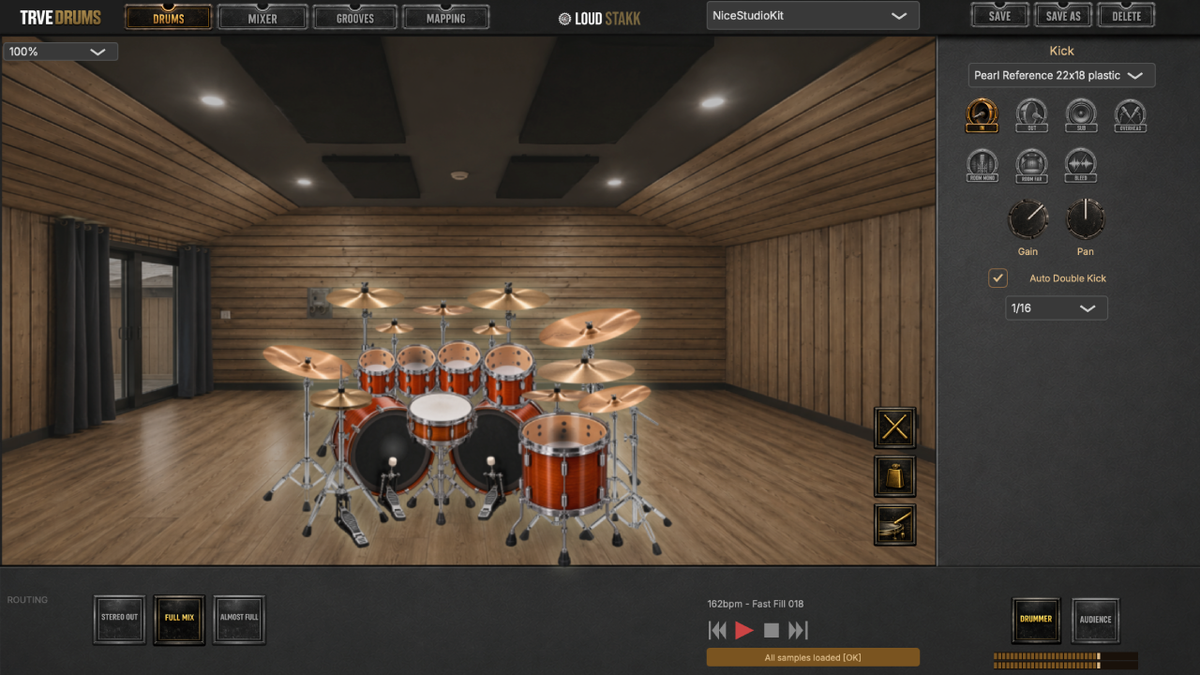
Start with a complete kit or build one piece by piece. Swap Kicks, Snares, Toms and Cymbals independently to put together the kit your song actually needs—without rebuilding everything else around it.
Keep the pieces you like, change the ones you don’t and save the finished setup as your own preset. One plugin. Your kits. Your songs.
A Better Drum Mix. Faster.
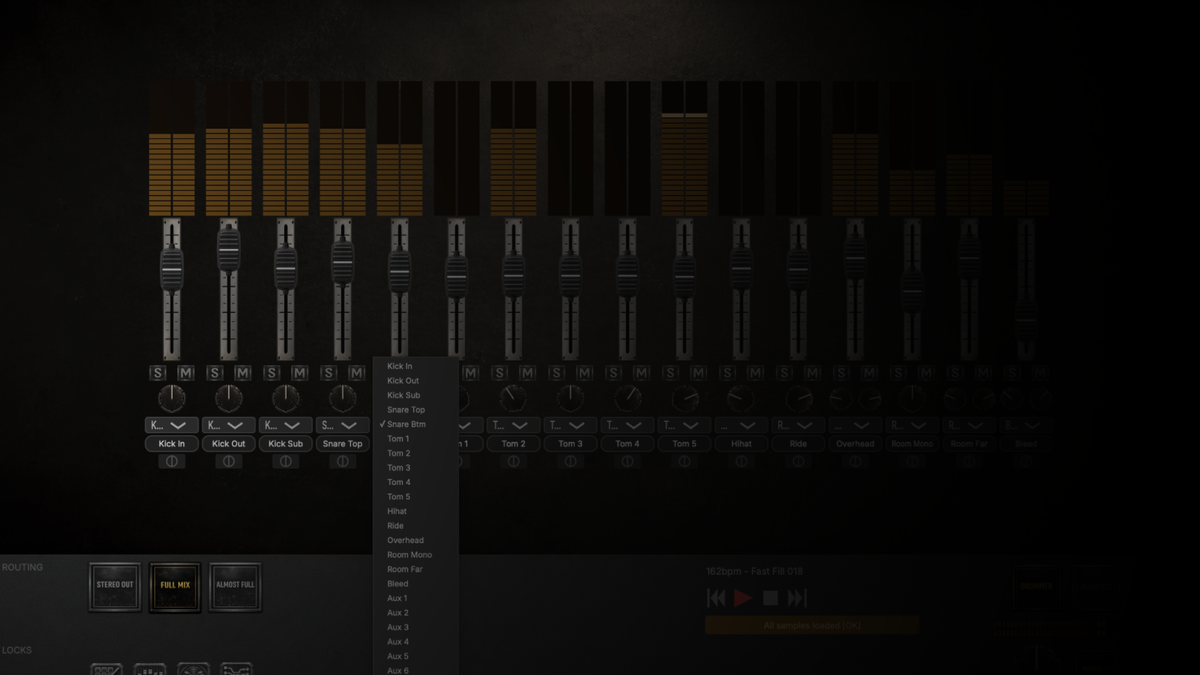
Mix Drums Like Drums.
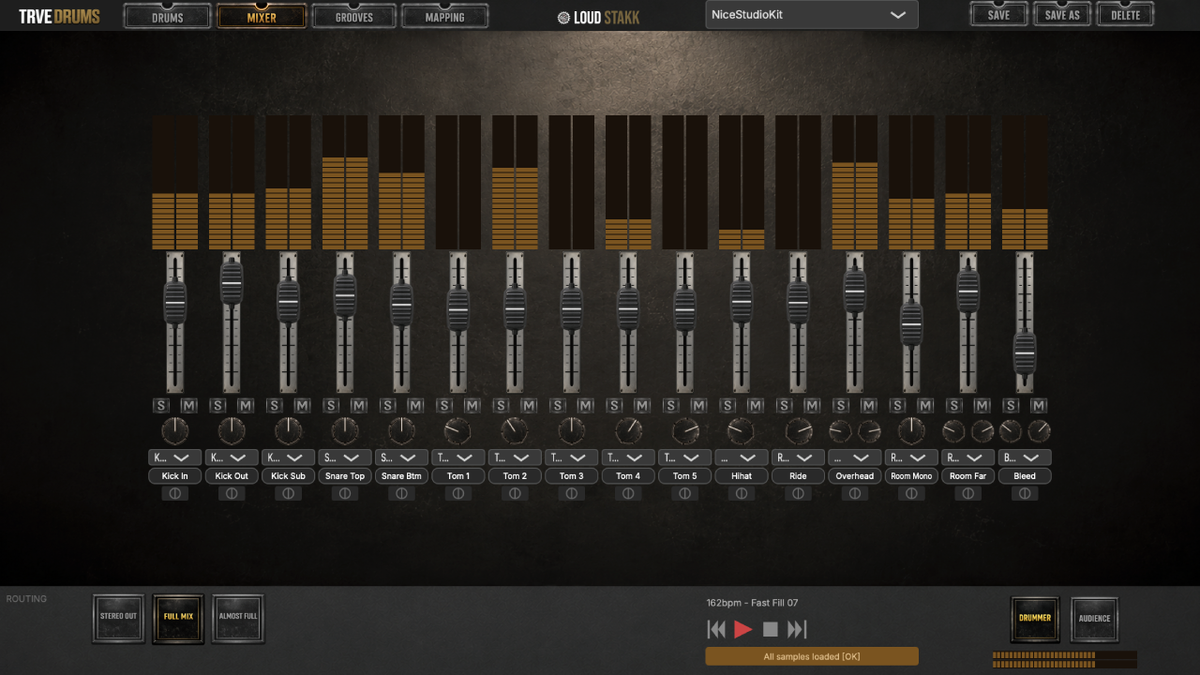
TRVE Drums gives you natural, unprocessed channels ready to route straight into your DAW. No onboard channel DSP, no baked-in processing and no new mixing environment to learn. Use the EQs, compressors, reverbs and signal chains you already know and mix TRVE Drums just like a recorded drum session.
Or keep it inside TRVE Drums and let the built-in Master FX do the heavy lifting. Your tools or ours. Your song. Your choice.
Find the Beat. Finish the Song.
Find Your Groove. Keep Writing.
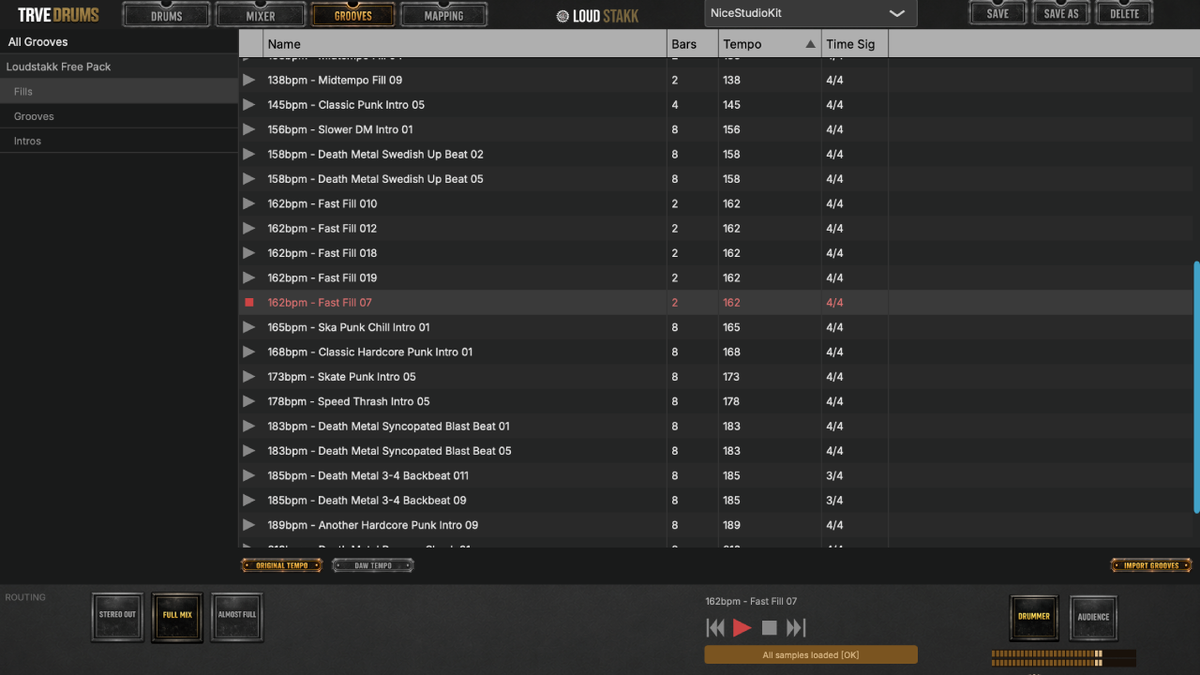
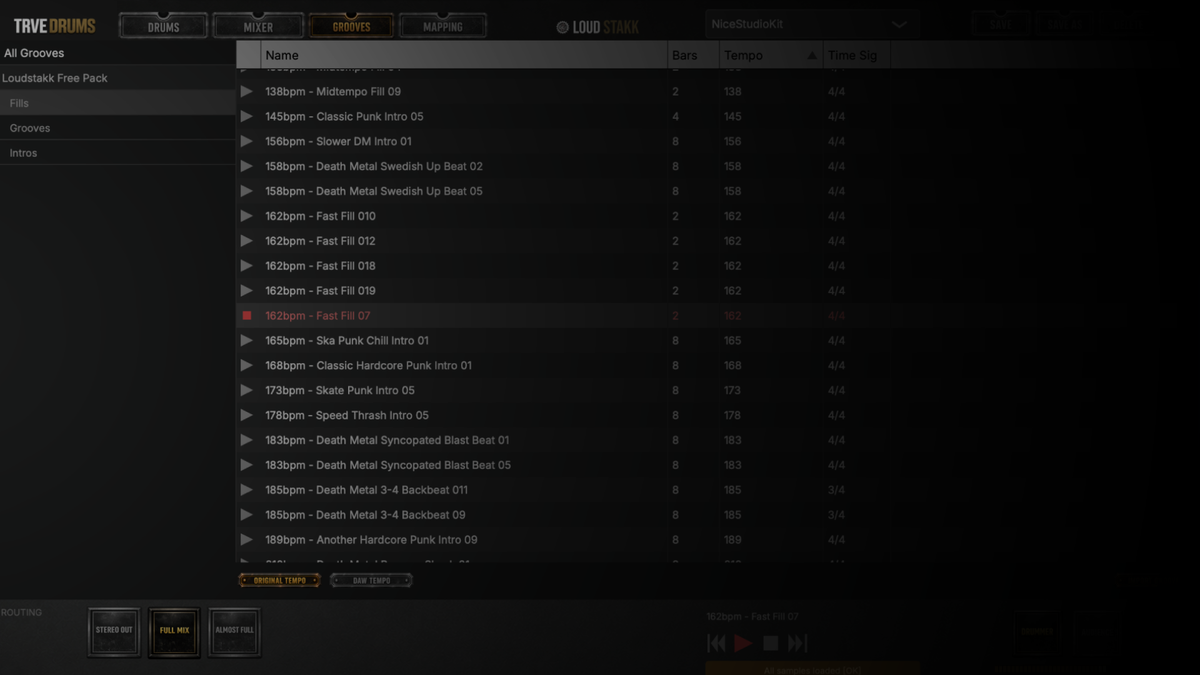
Find the right groove without losing your writing flow. Audition MIDI Grooves at your song’s tempo to hear how they fit, or switch to their original tempo when you’re looking for a new idea. When something clicks, drag and drop it straight into your DAW and keep going.
Browse the included MIDI Grooves or import your own libraries into TRVE Drums. Less searching. More writing.
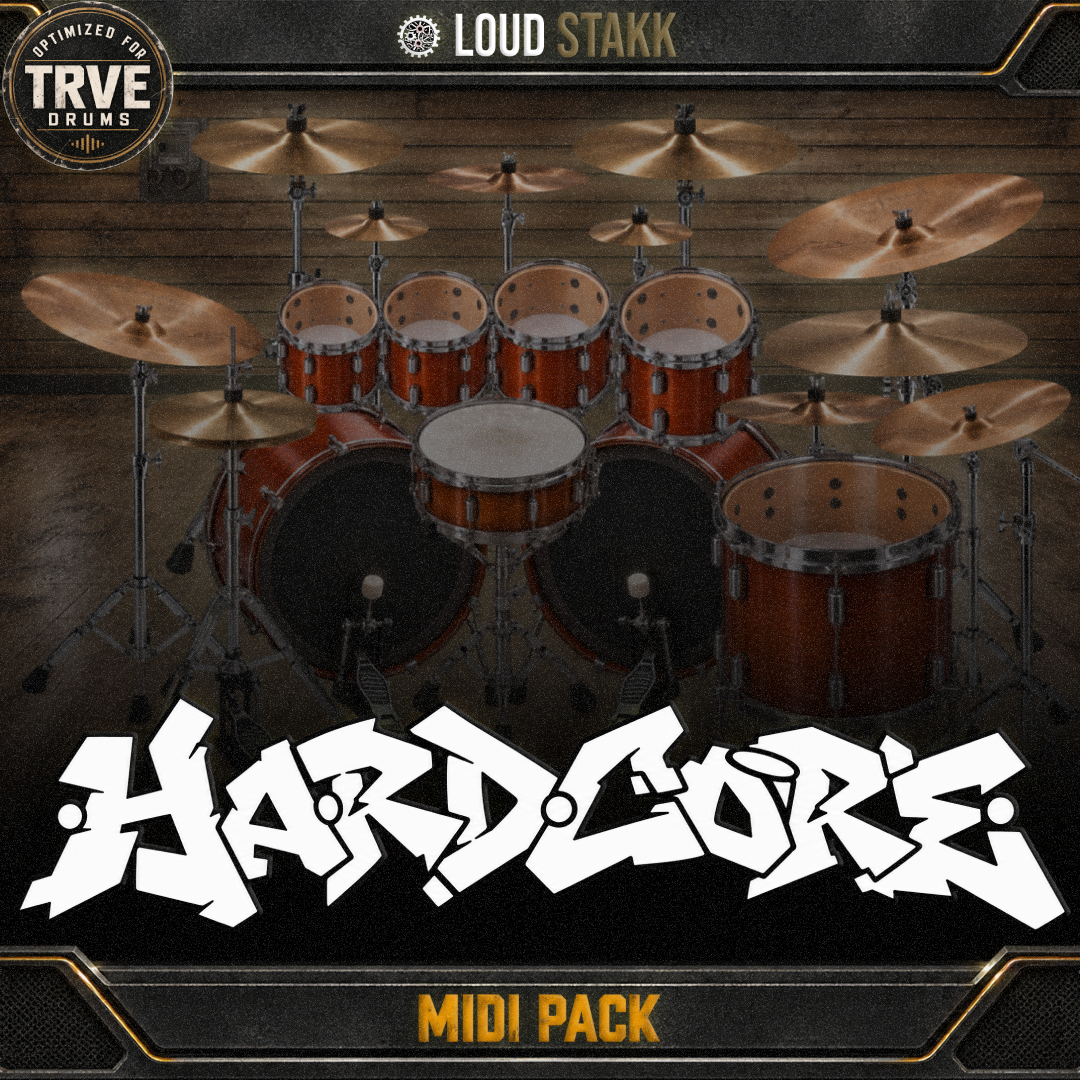
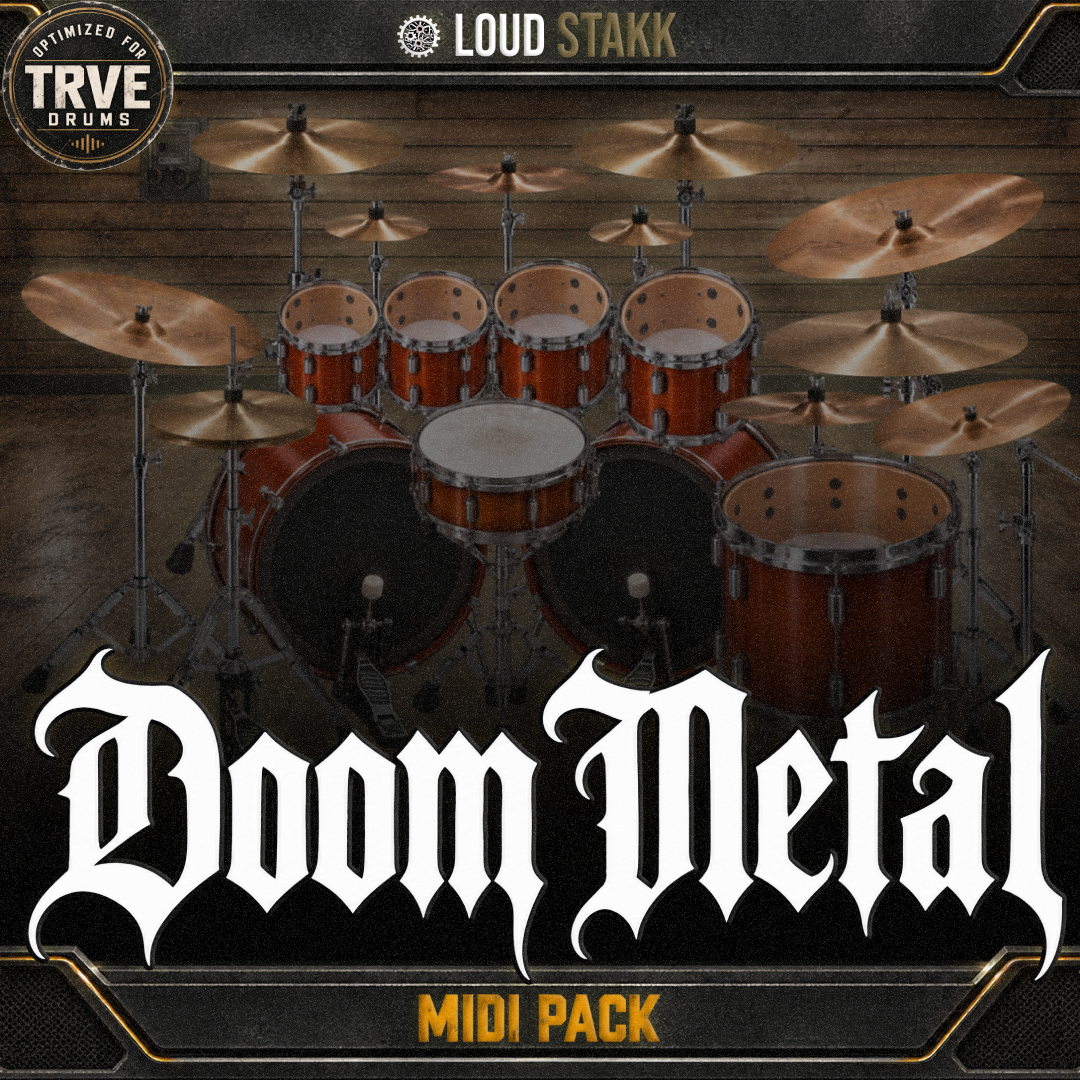
NEED MORE MIDI GROOVES?
Map It Once. Get to Work.
Your MIDI. Your Mapping.
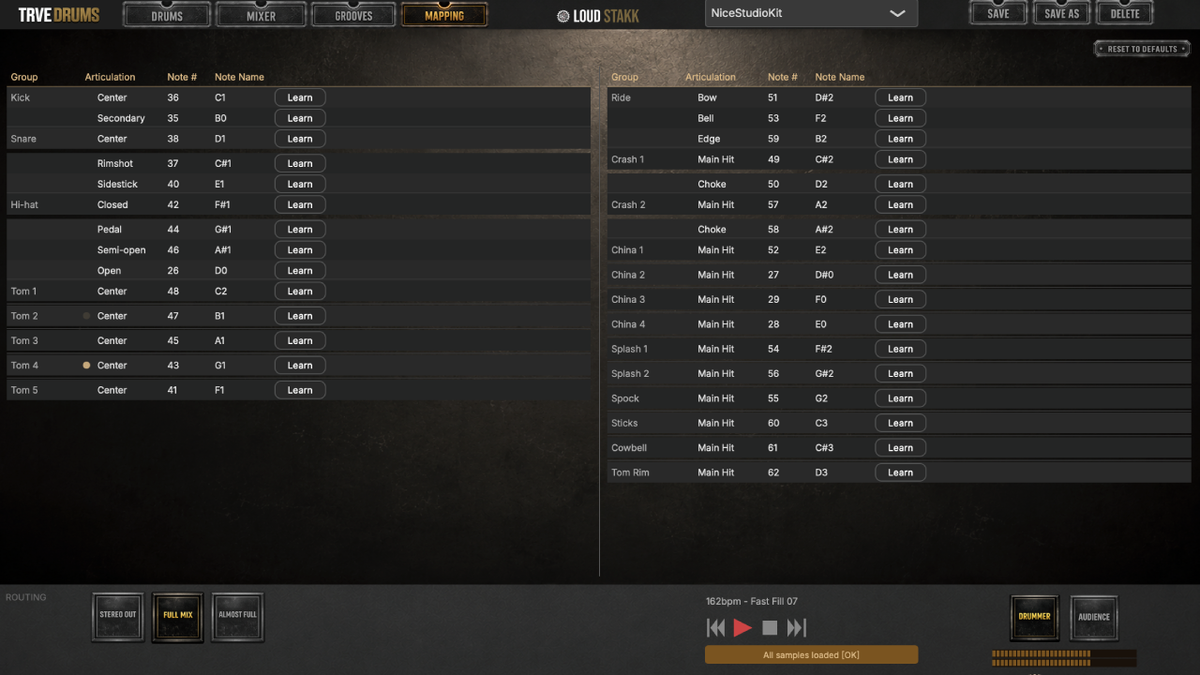
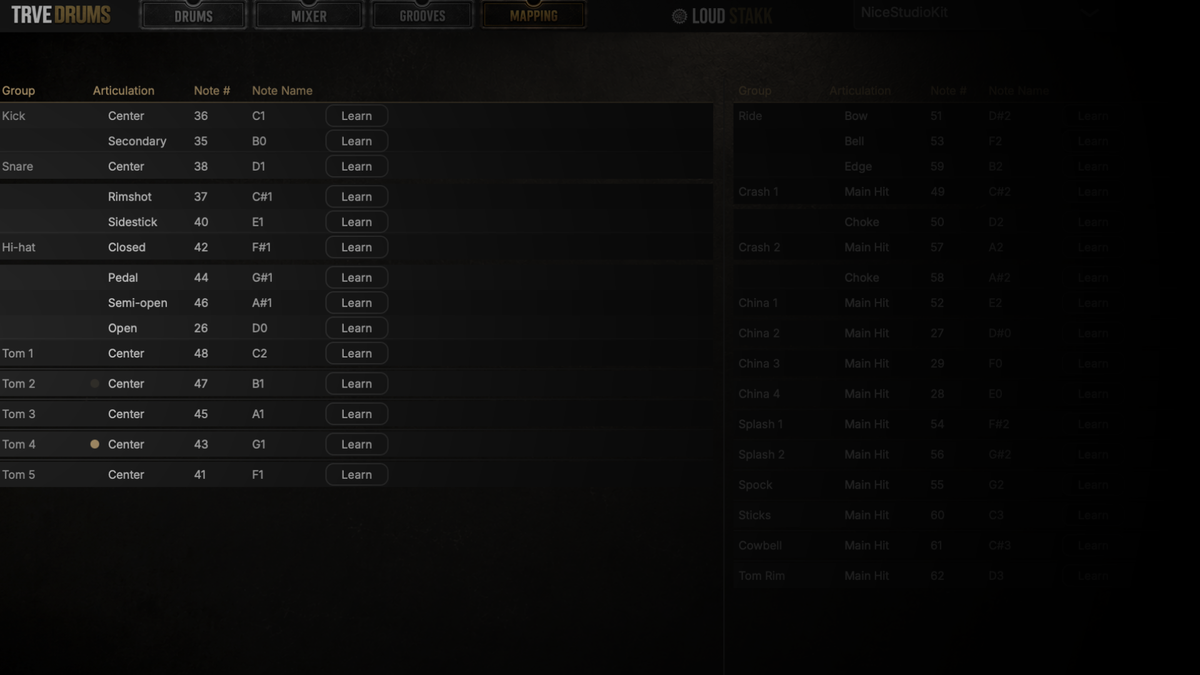
Got a complicated MIDI setup? Map it once, save it as a preset and move on. MIDI Learn makes assigning notes fast, while lockable Mapping keeps everything exactly where you put it—even as you browse kits, presets and other features.
Bring your existing MIDI library, build the mapping that works for you and stop worrying about it. Set it. Lock it. Get back to the song.

Ron D. Rock
BEHIND TRVE DRUMS
What is your approach to Drums?
I try not to overcomplicate an already complicated instrument. A healthy understanding of levels, panning, phase, the player and the instrument goes a long way. The mics and preamps are there to capture the existing magic, not create it — maybe just add a slight dusting on top.
Analog tube stuff doesn't fool you. You'd be surprised how far you can get with a mic into a basic preamp when the ABCs are done right. Get the source right first. Everything else is seasoning.
Which engineers inspired you?
Andy Sneap, Mikko Karmila, Flemming Rasmussen, Mike Clink, Andy Wallace, Colin Richardson, Tomas Skogsberg and Scott Burns, among others.
These guys laid much of the foundation that engineers like myself borrow, reinterpret and recycle today. There aren't many tricks we're doing now that don't owe something to the records and techniques that came before us.
TRVE Drums is, in many ways, a homage to those guys.
How did the idea for TRVE Drums come around?
During my time at Ugritone, I always wanted to make KVLT Drums 3, but with the implosion of the original outfit, it never got done.
Until now.
I think we all deserve a notepad for ideas that's free from 120dB rehearsal rooms but somehow keeps that realistic rehearsal-room vibe. Something for writing rough demos without suddenly giving you the sound of a $50,000 DW kit, API console and tube mic collection you'll probably never have sitting in your rehearsal space.
Don't make your demos sound better than your albums.
Who should use TRVE Drums?
Anyone who wants to flesh out ideas on their own. Anyone who's already tried a bunch of other Drum Plugins and was left thinking the drums didn't sound like real drums, sounded too polished, or the workflow gave them a hundred options without actually helping them work any faster.
If you want something fast and easy that sounds good enough as-is, TRVE Drums is built for that.
Or, if you want to find out just how good of an engineer you really are, take TRVE Drums for a spin.
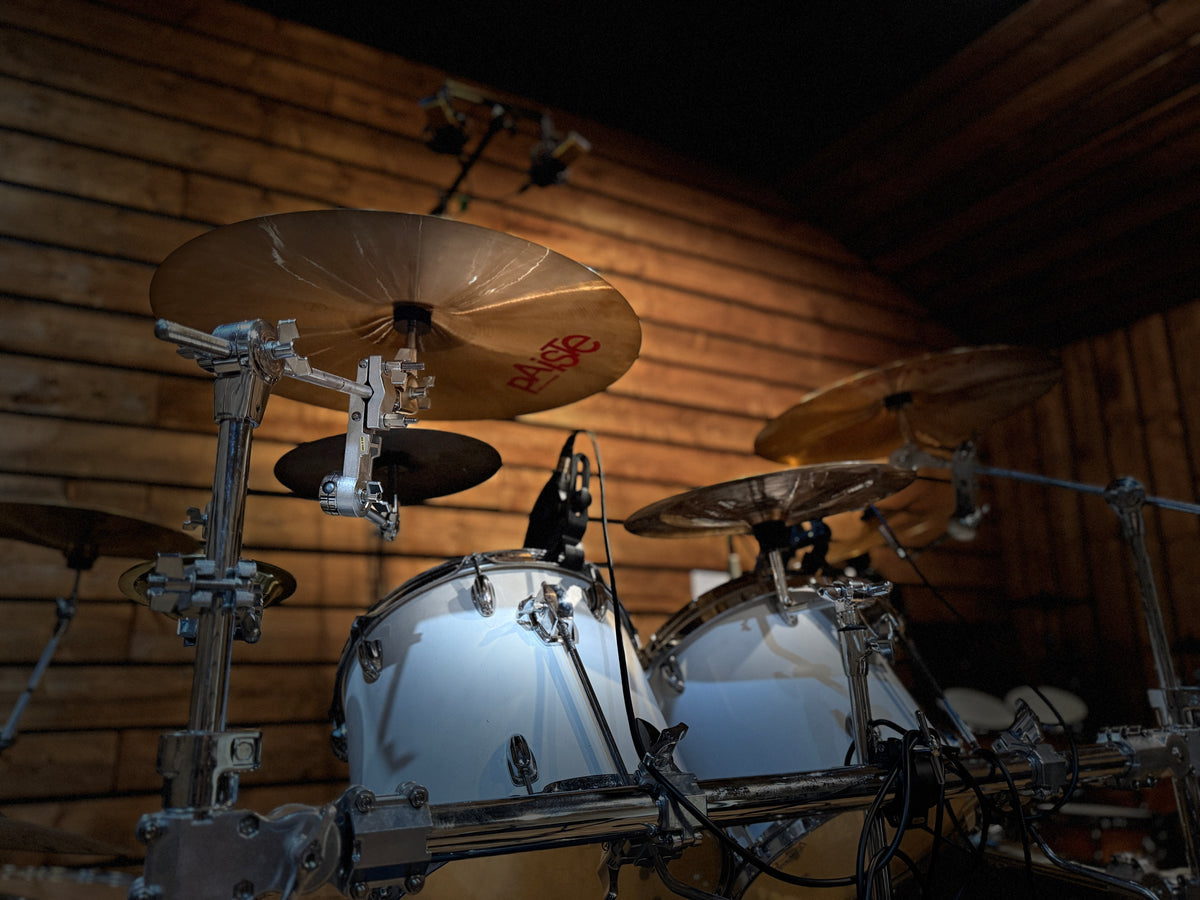
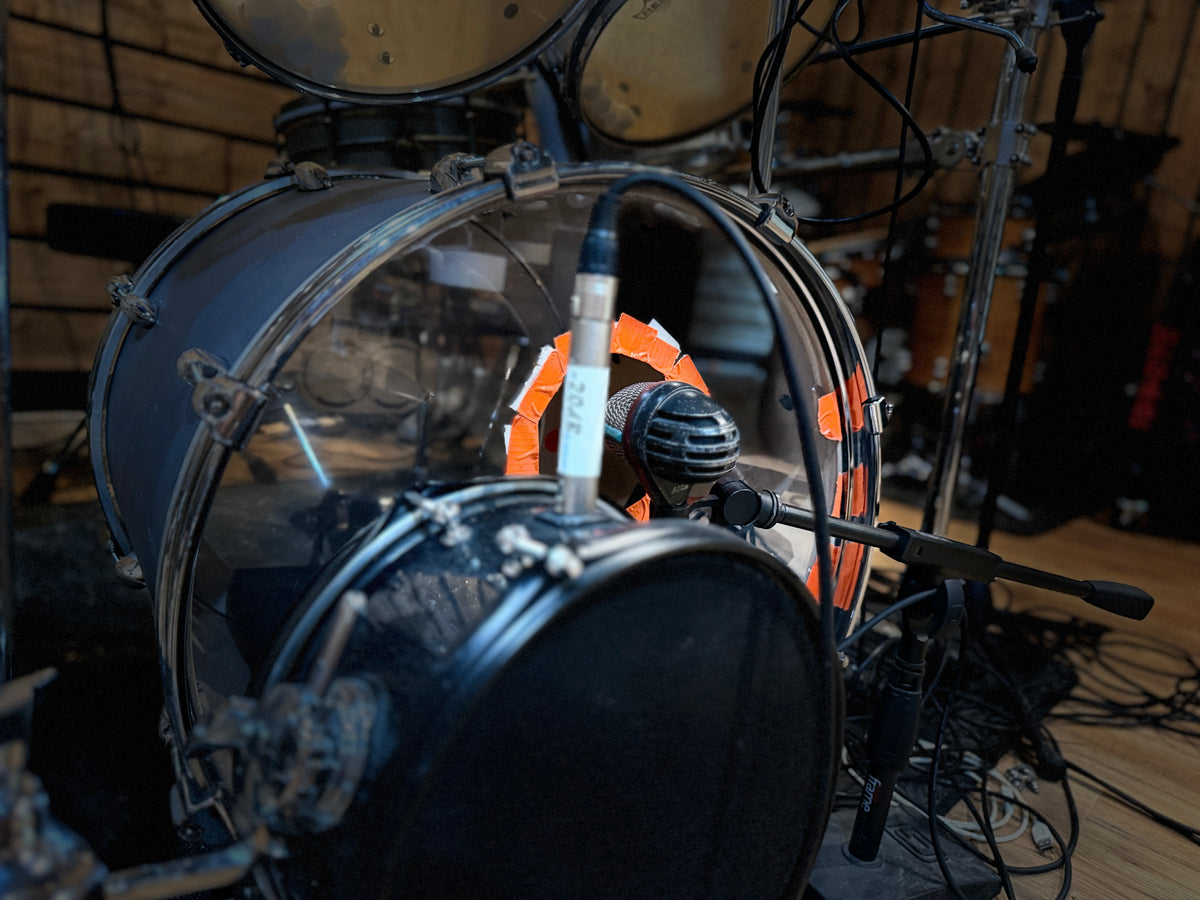
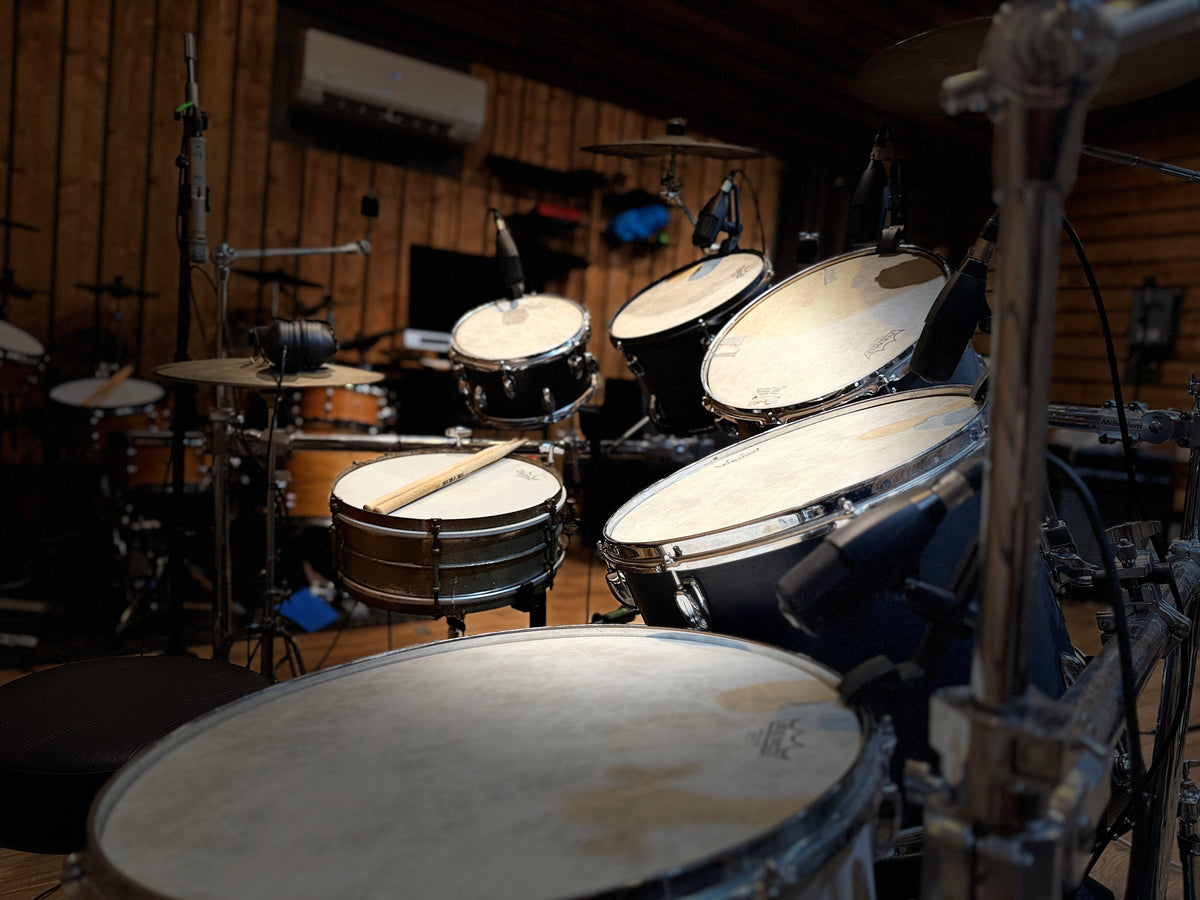
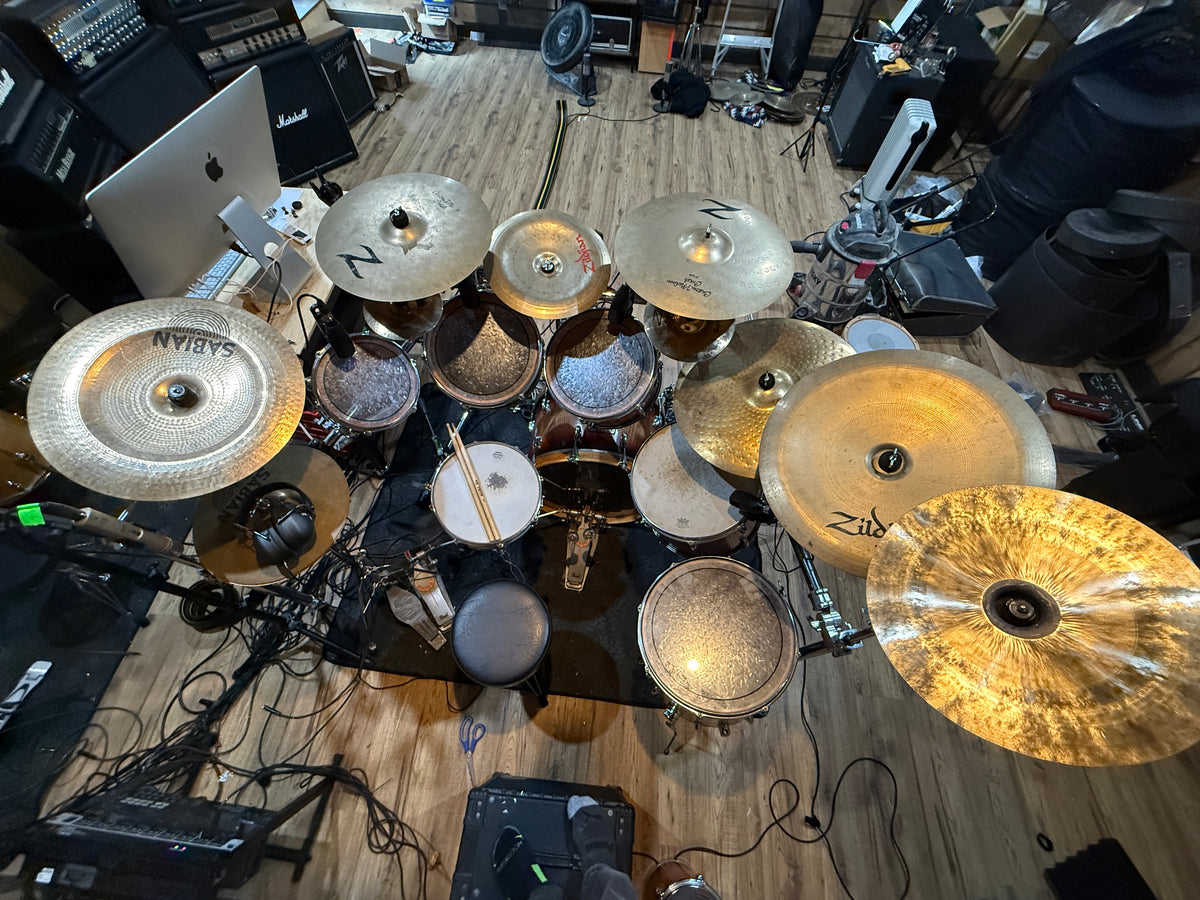
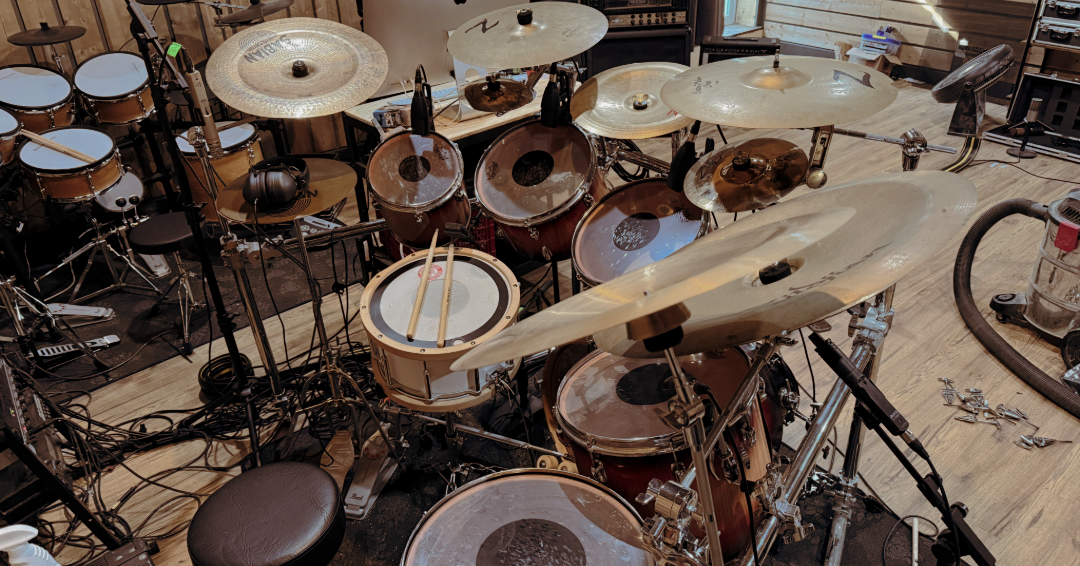
INSTRUMENT LIST
KICKS
Crustigan Jazz 24x16
Crustigan Maple24x16
Crustigan Pancake 20x6
Gammon 16x12
Pearl Reference 22x18
Slingerland 60s 22x16
SNARES
Crustigan Maple Piccolo 14x4
DW Performance Bell Brass 14x5
Gretsch Hammered Brass 14x6.5"
Griffin Popcorn 10x6
Ludwig 1923 Marching Snare 14x14
Ludwig Acrolite 14x5
Ludwig Black Beauty 14x6.5"
Ludwig Bronze Phonic 14x6.5"
Ludwig Supralite 14x8"
Ludwig Supraphonic 14x5
Ludwig Vistalite 5x14
Max Wintrich 1928 14x5
PVC Fat 14x5
Pearl Free Floating Brass Piccolo 14x3.5"
Pearl Piccolo Brass 13x3.5
Pearl Sensitone 14x5.5"
Pork Pie Little Squealer 12x5
Premier Olympic 14x5.5"
Rogers Dynasonic 14x5
Rogers Powertone 5.5x14
Slingerland Radio King Gene Krupa 14x7
Tama Artwood 14x6.5"
Tama Hammered Bronze 5x14
TOMS
Crustigan Maple 12x11
Crustigan Maple 13x12
Crustigan Maple 14x13
Crustigan Maple 16x14
Crustigan Maple 18x16
Pearl Reference 10x6
Pearl Reference 12x8
Pearl Reference 14x10
Pearl Reference 16x12
Pearl Reference 18x16
Slingerland 60s 10x8
Slingerland 60s 12x8
Slingerland 60s 13x8
Slingerland 60s 14x10
Slingerland 60s 16x14
HIHATS
Arborea Knight 14"
Paiste 2002 14" Sound Edge
Paiste Rude 14"
Sabian B8 Pro 14"
Zildjian Avedis 16"
RIDES
Arborea Knight 21"
Paiste 2002 Giga Bell 18"
Paiste Rude 20"
Zildjian Avedis 22"
Zildjian Z Custom Light Power Ride 20"
CRASHES
Arborea Knight 16"
Arborea Knight 18"
Paiste 2002 18"
Paiste 2002 20"
Paiste Rude 16"
Paiste Rude 18"
Zildjian Z Custom 17"
Zildjian Z Custom 19"
CHINAS
Arborea Knight 14"
Arborea Knight 18"
Arborea Knight 19"
Istanbul Agop 24"
Paiste 2002 Novo 20"
Paiste 900 14"
Paiste Rude 18"
Sabian B8 Pro 18"
Stagg China Lion 16"
Wuhan 14"
Zildjian A China Boy Low 20"
Zildjian Oriental Trash 14"
Zildjian Oriental Trash 18"
SPLASHES & FX CYMBALS
Arborea Knight 6"
Arborea Knight 8"
LP Ridge Rider Cowbell
Sabian Ice Bell 9"
Zildjian Zultan Stack
Zultan Aja 10"
Zultan Aja 8"
Zultan Rock Beat 10"
Zultan Rock Beat 8"
All Snares
All Kicks
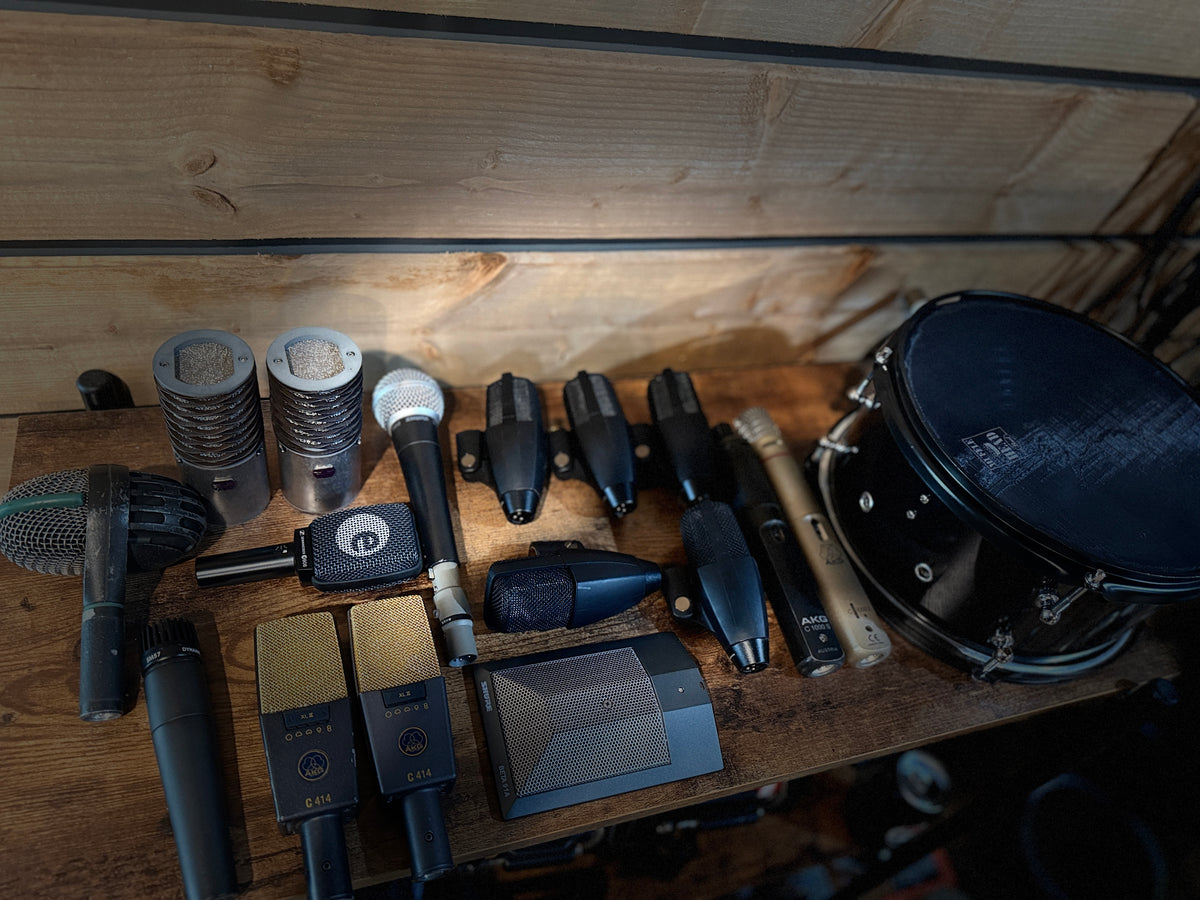
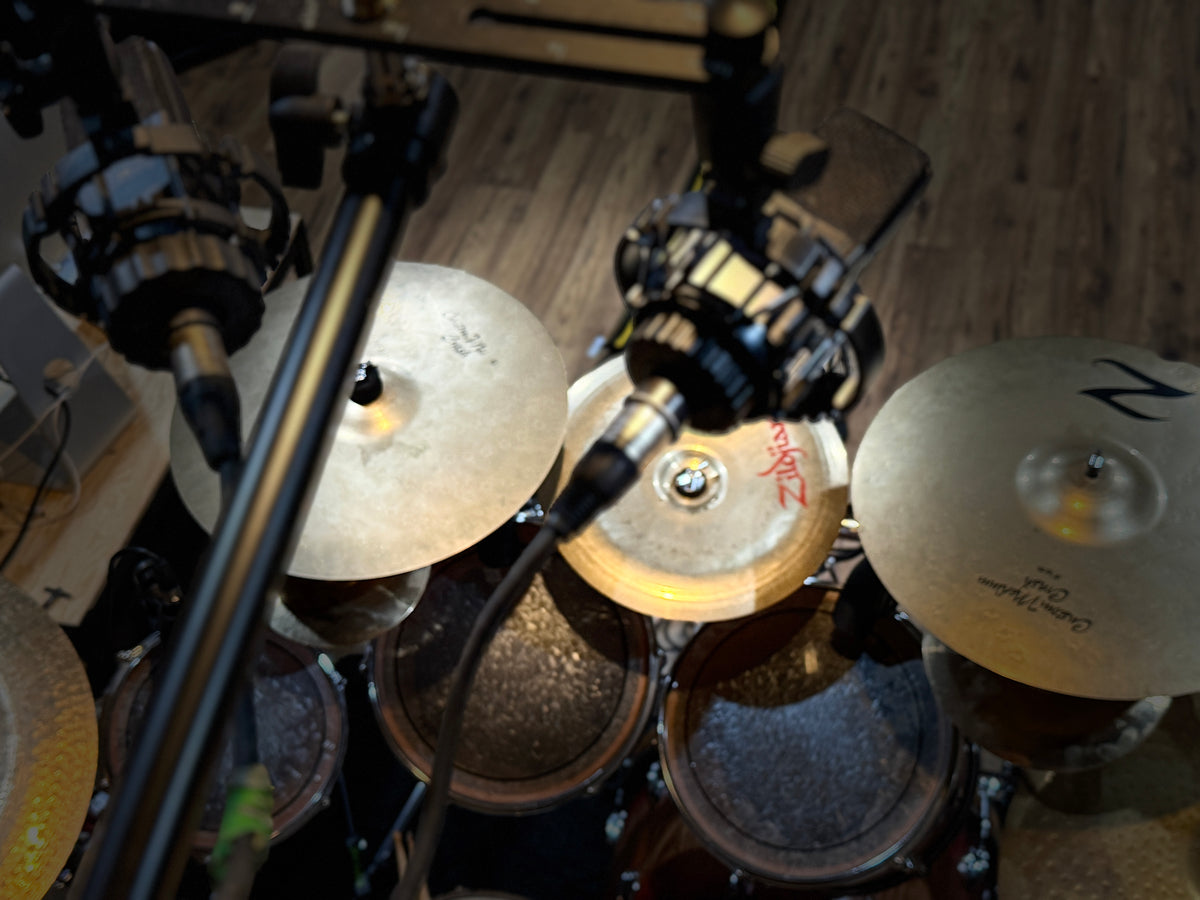
MICROPHONE LIST:
Kick In: Shure Beta 91A
Kick Out: AKG D112
Kick Sub: DIY Subkick
Snare Top: Sennheiser e906
Snare Bottom: Shure SM57
Toms: Sennheiser MD421
Hihat & Ride: AKG C-1000 S
Overheads: AKG C4112 XII
Room Close: Shure SM58 with Triton inline Kompressor
Room Far: Aston Origin
Frequently Asked Questions
TRVE Drums is a VST3/AU drum plugin for PC & Mac built for songwriting, demos and production. It combines sampled real-world drum kits and rooms with a fast, straightforward workflow for building kits, auditioning MIDI Grooves, mapping drums and routing individual channels into your DAW.
No bloated interface or unnecessary tools. Build your kit, find a beat and start writing—or route everything out and mix it like a real recorded drum session. The drums are complicated. Using them shouldn’t be.
TRVE Drums supports VST3 and AU formats and runs on Mac and PC in all major DAWs that support those formats.
TRVE Drums also has a standalone app.
Mac: OS 12 or newer
Win: Windows 10 or later
8Gb of RAM minimum, 16Gb recommended
~20Gb of free disk space
64bit processor
Please note: VST3 only. VST2 will not be available.
TRVE Drums has been successfully tested on the following DAWs:
Ableton Live (PC & Mac)
Cubase 15 (PC & Mac)
FL Studio (PC & Mac)
GarageBand (Mac)
Logic Pro (Mac)
MixCraft (PC)
Reaper (PC & Mac)
Studio One 7 (PC & Mac)
NOT SUPPORTED DAWS: Luna, Pro Tools
Disclaimer:
Other DAWs are likely to work with TRVE Drums; however, they have not been officially tested by Loudstakk or its representatives at this time. This list will be updated as additional DAWs are verified.
TRVE Drums includes 26 Core Library Presets, ranging from Old School Metal to Rock to Jazz and Modern Heavy Rock/Metal
No.
TRVE Drums does not include standalone .wav or TCI sample files. All data is encrypted and accessible only within the TRVE Drums plugin.
Yes, you can modify these as you wish.
No.
TRVE Drums does not offer a free trial, refunds, or returns. All sales are final.
Make sure Stereo Out is enabled for the correct routing. When loading the Multi-Outs, you can choose between Full Mix and Almost Full routing options.
The AAX version is planned and will be released once Avid completes their signing and authorization process.
The timeline depends on Avid’s approval workflow, which is outside of our direct control.
Linux is not officially supported at this time.
TRVE Drums is currently developed and tested for macOS and Windows. Linux support is not ruled out, but there is no timeline to announce at this point.
Yes. You can import your own MIDI Grooves directly into TRVE Drums. If you're importing a large library, we recommend placing everything inside one master folder to save time. After importing, restart your DAW and TRVE Drums for the new Grooves to appear.
Once imported, you can audition them inside TRVE Drums and drag and drop them straight from the plugin into your DAW.
Please note: Third-party MIDI libraries may use different mappings or formats. Loudstakk is not responsible for the mapping, compatibility or functionality of third-party MIDI files.
External drive installation is currently not supported. TRVE Drums and its library must be installed on your computer’s boot/system drive.
Large downloads through web browsers become less reliable as file sizes increase, which can lead to interrupted or corrupted downloads. Rather than bundle the entire TRVE Drums library into one massive download, we provide a separate Sample Data installer for each Soundset.
Each Soundset has one Sample Data installer for Mac and one for Windows. You only need to download the installer for your operating system for each Soundset you own.
It means a few more individual downloads, but smaller files are more reliable and help avoid wasting your time downloading one enormous library only to discover the download was interrupted or corrupted.
Windows Smart App Control or Microsoft Defender SmartScreen may occasionally block the TRVE Drums installer because Loudstakk does not currently use the costly code-signing certificate required to establish reputation with Microsoft’s security systems. This does not automatically mean the installer contains malware—it means Windows does not recognize the publisher.
If Windows blocks the installer, you may need to temporarily disable the applicable Smart App Control/SmartScreen protection to complete the installation, then re-enable your normal security settings afterward.
We know this isn’t ideal. Code signing is on our roadmap, but for now we’d rather put those resources into TRVE Drums than pass the cost of expensive developer certificates on to you. Our Mac installers are fully signed, notarized and stapled through Apple.
TRVE Drums was recorded, edited and prepared natively at 48 kHz. When your DAW is running at 44.1 kHz, the samples need to be sample-rate converted during playback. While TRVE Drums fully supports 44.1 kHz sessions, this conversion can result in small audible differences compared with playing the samples at their native rate.
For the most accurate reproduction of the original recordings, we recommend running your session at 48 kHz. This allows TRVE Drums to play the samples at the rate they were originally captured and avoids unnecessary sample-rate conversion.
Yes. Each Sample Data installer contains a different part of the TRVE Drums library, so all Sample Data installers for your operating system must be downloaded and installed for the complete library to function correctly.
YOU DO NOT HAVE TO DOWNLOAD THE WINDOWS INSTALLERS IF YOU’RE ON MAC, AND YOU DO NOT HAVE TO DOWNLOAD THE MAC INSTALLERS IF YOU’RE ON WINDOWS.
TRVE Drums presets can store more than just the kit itself, including Routing, Mapping, Mixer Levels, Perspective and other settings. Loading a preset may therefore change these settings along with the drums.
Use the available Locks to protect anything you want to keep before loading or browsing presets. For example, enable Routing Lock to preserve your output assignments or Mapping Lock to keep your custom MIDI Mapping. This lets you freely browse presets while keeping the parts of your setup that matter exactly where you left them.
TRVE Drums uses stereo outputs for Multi-Out routing. Logic Pro may display additional output configurations based on the outputs it detects from the plugin, including mono configurations that TRVE Drums does not support.
For proper routing, load TRVE Drums using one of these configurations:
- Stereo Out — entire kit through a single stereo output.
- 16x Stereo — Multi-Out routing.
- 22 Stereo — Multi-Out routing.
Do not use the mono output configurations.
For Multi-Out routing, load TRVE Drums as a Multi-Output Software Instrument in Logic Pro. Open Logic’s Mixer and click the + button on the TRVE Drums channel strip to create the additional Aux channels. You can then assign channels in the TRVE Drums Mixer to the corresponding stereo outputs.
We’re also looking into preventing Logic Pro from displaying unsupported output configurations in a future update.
To remove an imported MIDI Pack, delete its folder from the TRVE Drums Grooves directory.
macOS:
- Open Finder.
- Press ⌘ Shift G.
- Paste: ~/Library/Application Support/TRVE Drums/Grooves/
- Delete the folder for the MIDI Pack you want to remove.
Windows:
- Navigate to: C:\Users\<username>\AppData\Roaming\TRVE Drums\Grooves\
- Delete the folder for the MIDI Pack you want to remove.
Close and reopen TRVE Drums (or close and reopen the plugin editor). The removed pack will disappear from the Grooves Tab on the next scan.